Then.
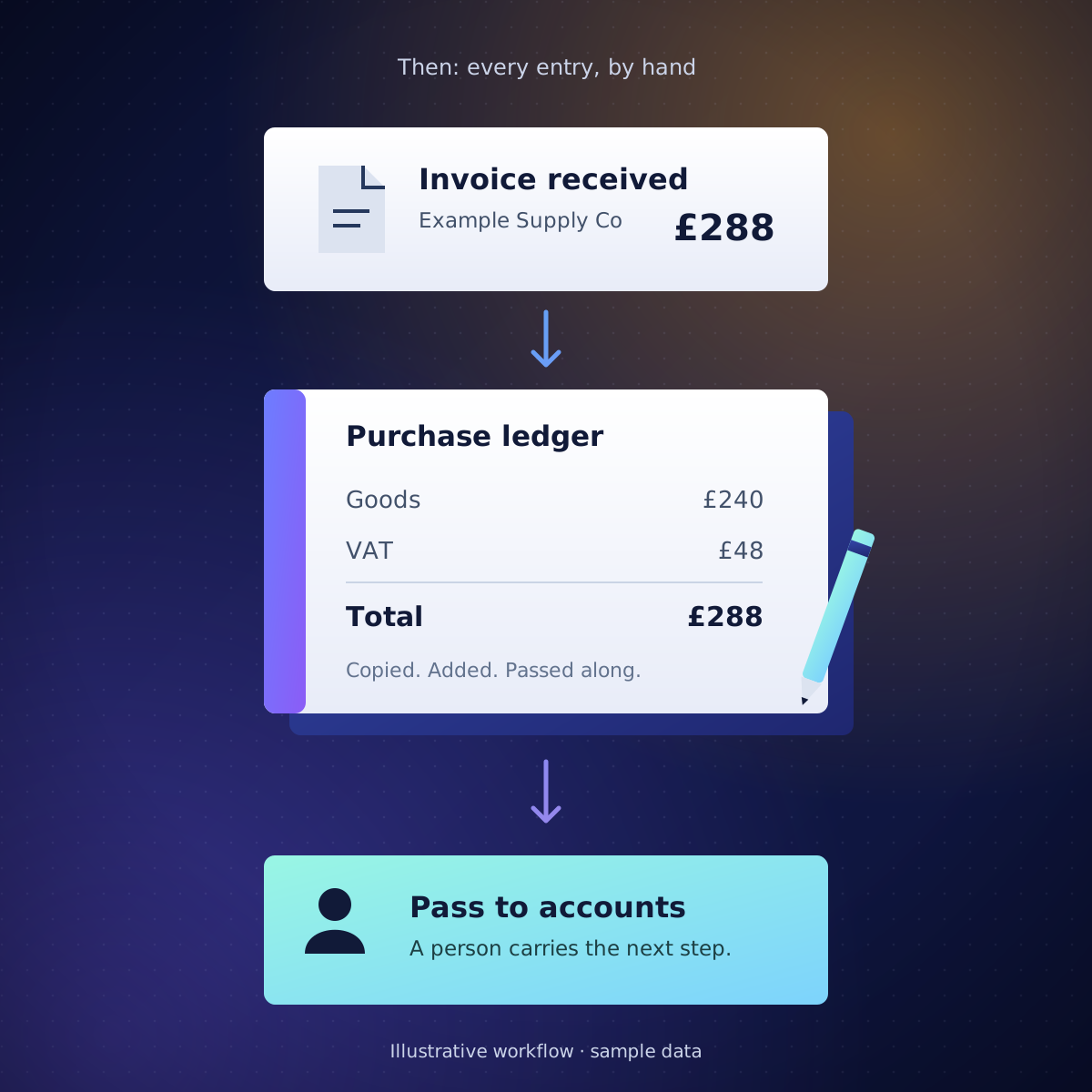
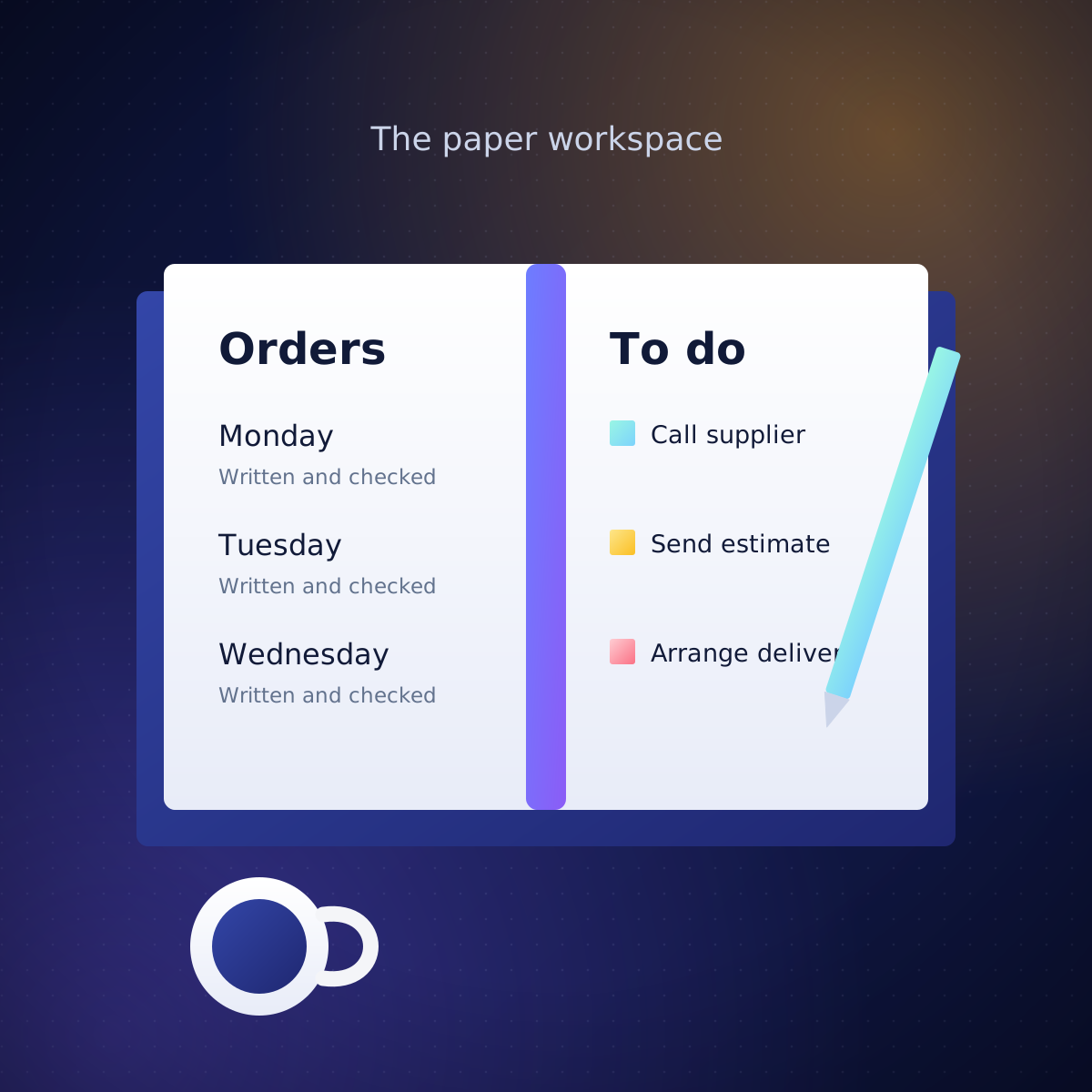
Paper had a purpose.
Orders and invoices lived in books. Every step needed a person to carry the paper to the next one.
We link the apps your business already uses, so the jobs you repeat every week happen on their own. We also build websites and phone apps.
Pick the closest to your business. These are examples, not customer results.
TodayEvery night, someone types the day’s jobs into the invoicing app.
With usThe job is logged on a phone on site, and the invoice is drafted from it, ready to send.
TodayPaper checklists at every rat box, typed up days later.
With usScan each box’s QR code and record what you found, even with no signal.
TodayThe phone rings mid-haircut, and bookings live in a paper diary.
With usCustomers book online and pick a stylist and a free slot. The diary can’t double-book.
TodayA no-show costs you the slot, and the till is added up by hand.
With usA card deposit when they book. Every payment lands in your accounts.
TodayCustomers forget, so the chair sits empty.
With usA WhatsApp reminder the day before, with a link to move the time.
TodayEvery website order is retyped into Xero or QuickBooks.
With usOrders go into the accounts on their own. Odd ones wait for you.
TodayThe same questions by email, every day.
With usAI drafts each reply. A person checks it and presses send.
TodayA £40 printer cartridge waits a week for a yes.
With usUnder your limit, it’s approved at once. Bigger ones go to the right person.
TodayTen emails, and the laptop or login still gets forgotten.
With usOne checklist gives everyone their part and shows what’s left.
TodayHours each month copying numbers into the same report.
With usIt fills itself in and emails itself to the right people.
TodayReceipts arrive as photos and PDFs, and each one is typed in by hand.
With usDate, supplier, amount and VAT are read for you. A person checks before they’re posted.
TodayReminders are written one by one, when someone remembers.
With usOverdue invoices get a polite reminder on their own. You see who still owes.
TodayEvery bank payment is ticked off against an invoice by hand.
With usPayments match themselves. Only the odd few come to you.
TodayEvery month, the same emails chasing the same missing slips.
With usEach client gets a list of what’s missing, updated as they send it.
TodayNo prices or hours, and hard to use on a phone.
With usA fast site with the answers on the first screen.
Today“Hairdresser near me” shows your competitors, not you.
With usWe set up your Google Business Profile and tell Google what you do and where. You see how many found you.
TodayEnquiries sit in an unchecked inbox, and the customer goes elsewhere.
With usAn instant reply, a new contact, and a reminder to call back.
Paper had a purpose.
Orders and invoices lived in books. Every step needed a person to carry the paper to the next one.
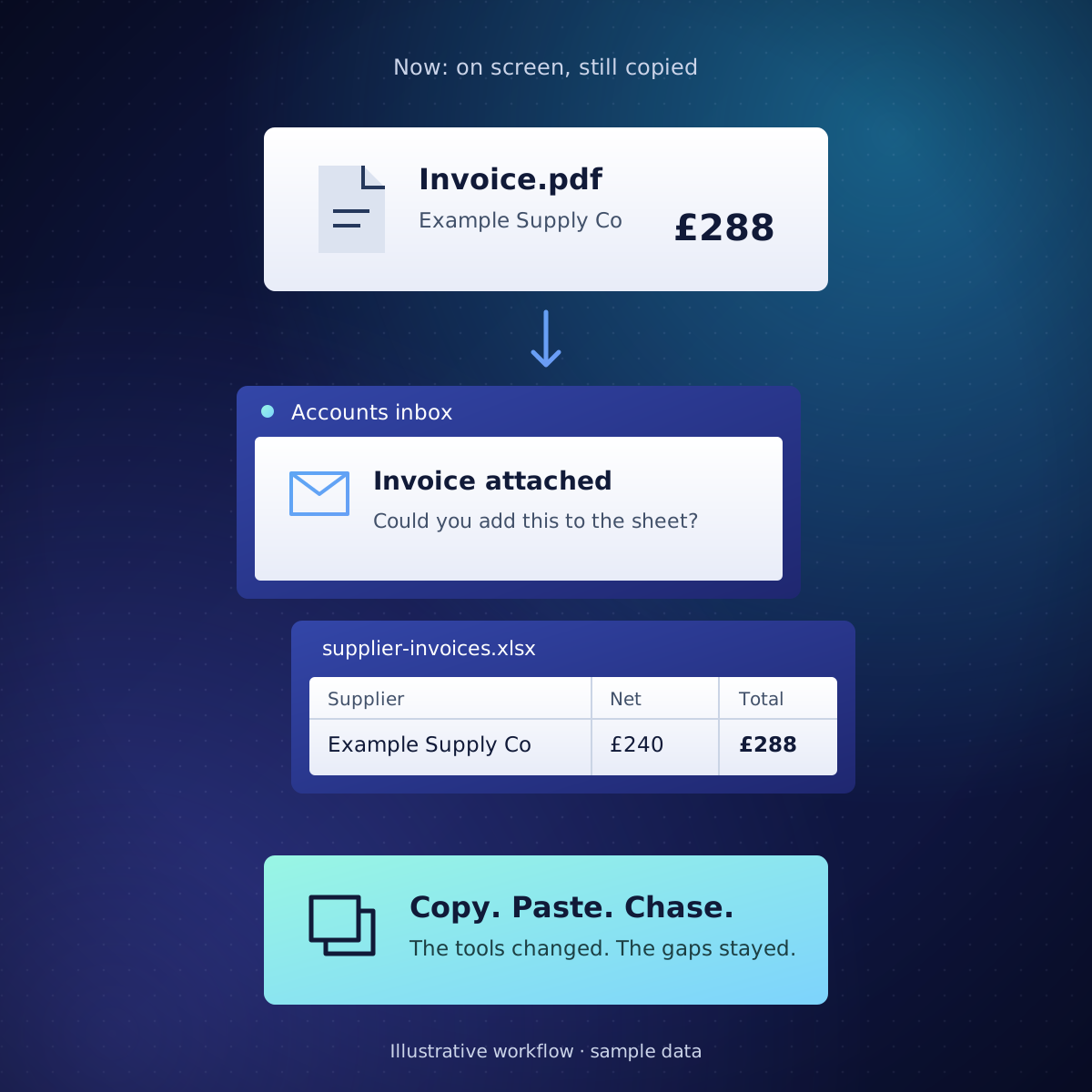
Digital isn’t always connected.
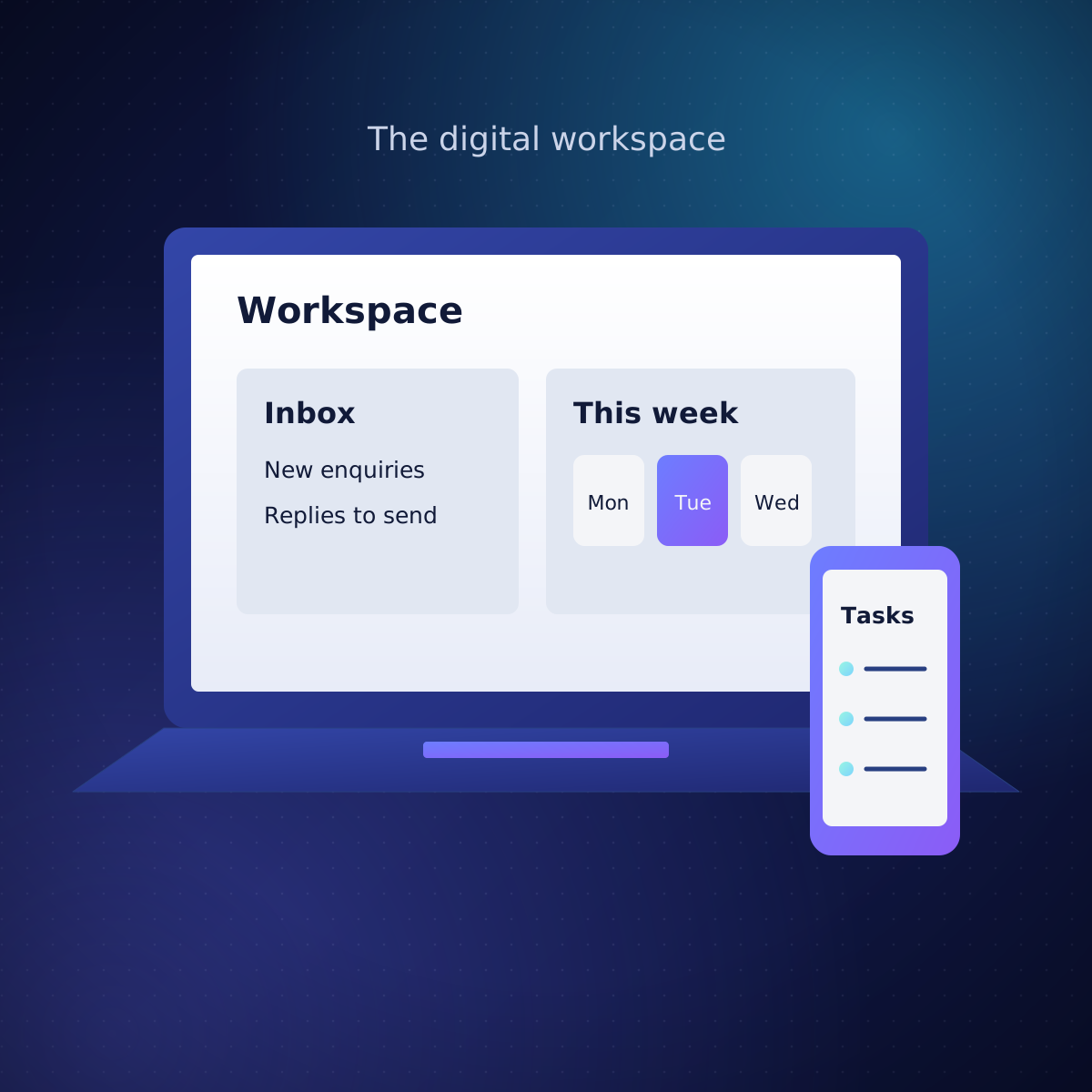
It’s all on computers now, but the apps don’t talk to each other. Someone still copies the email into the spreadsheet, then into the accounts.
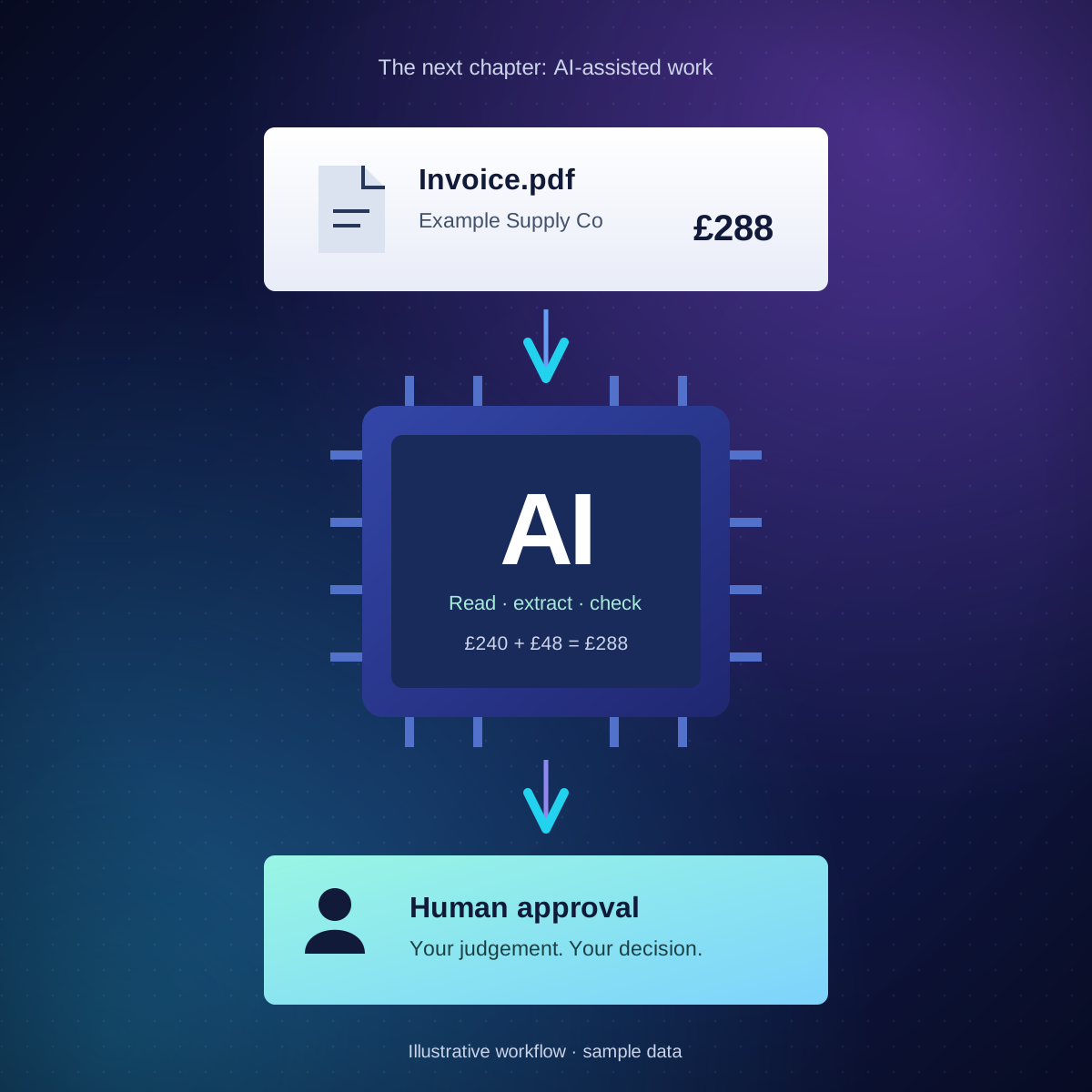
People lead. AI does the legwork.
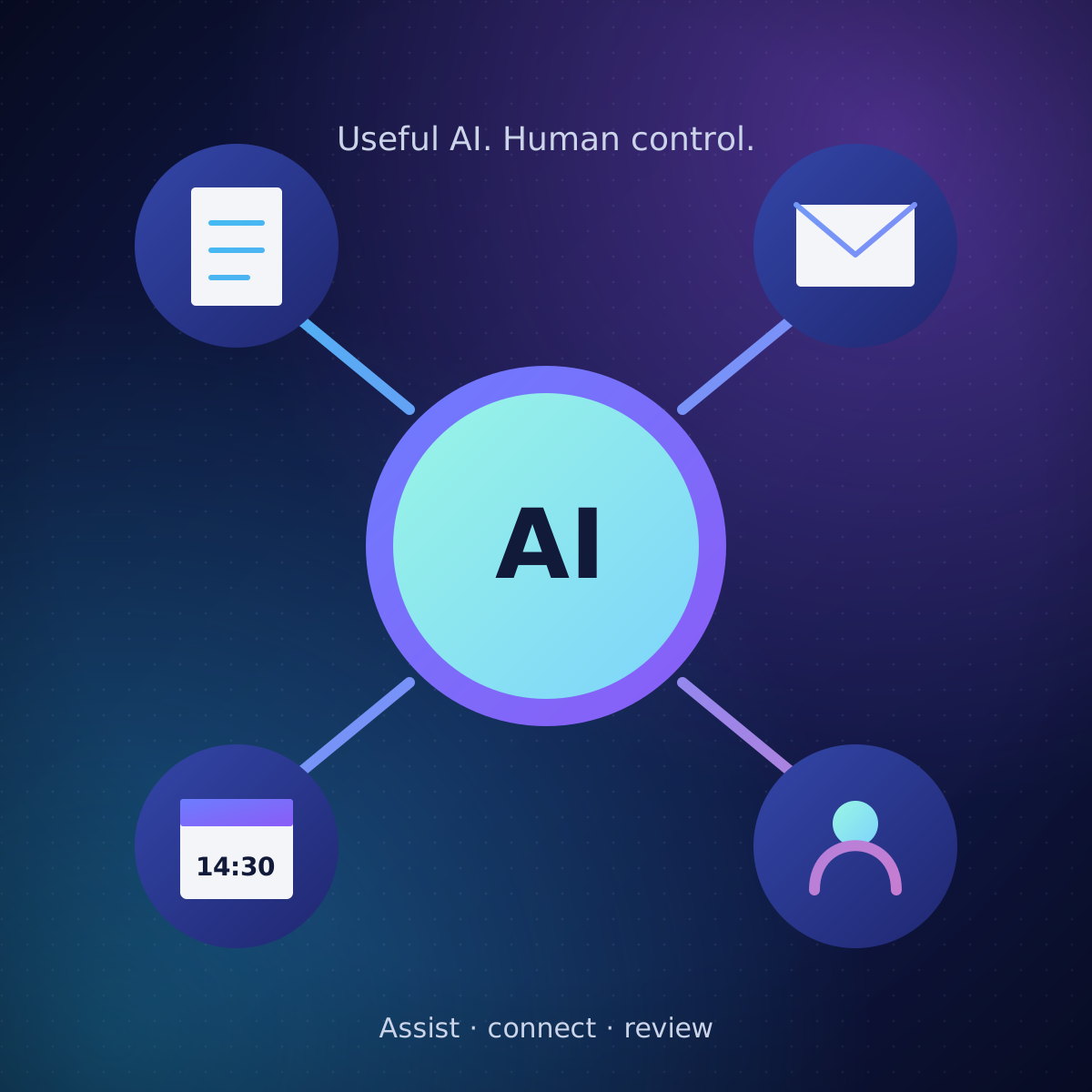
Your apps are linked, so details typed once go everywhere. AI reads the invoice; a person approves it.
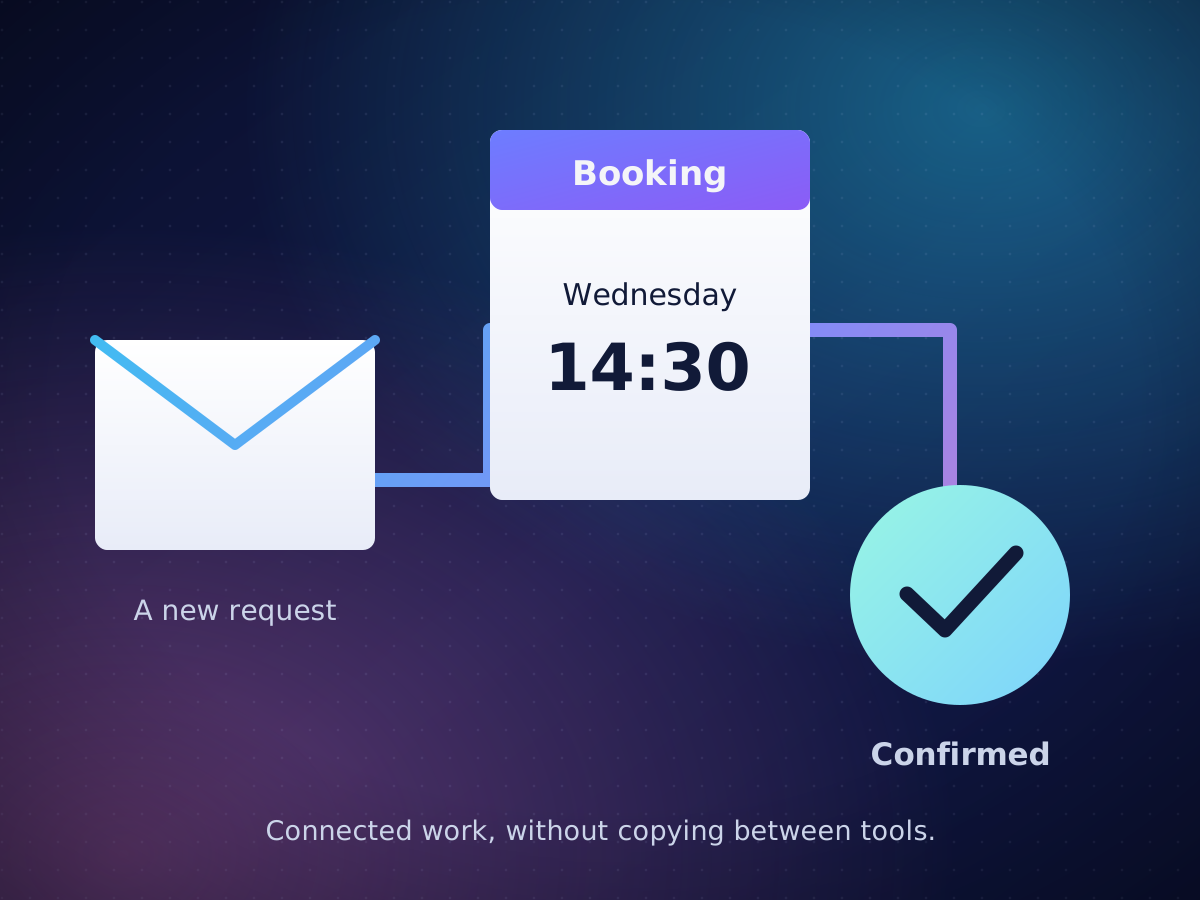
Your email, spreadsheets and business apps, linked. Details are typed once and reminders go out on time.
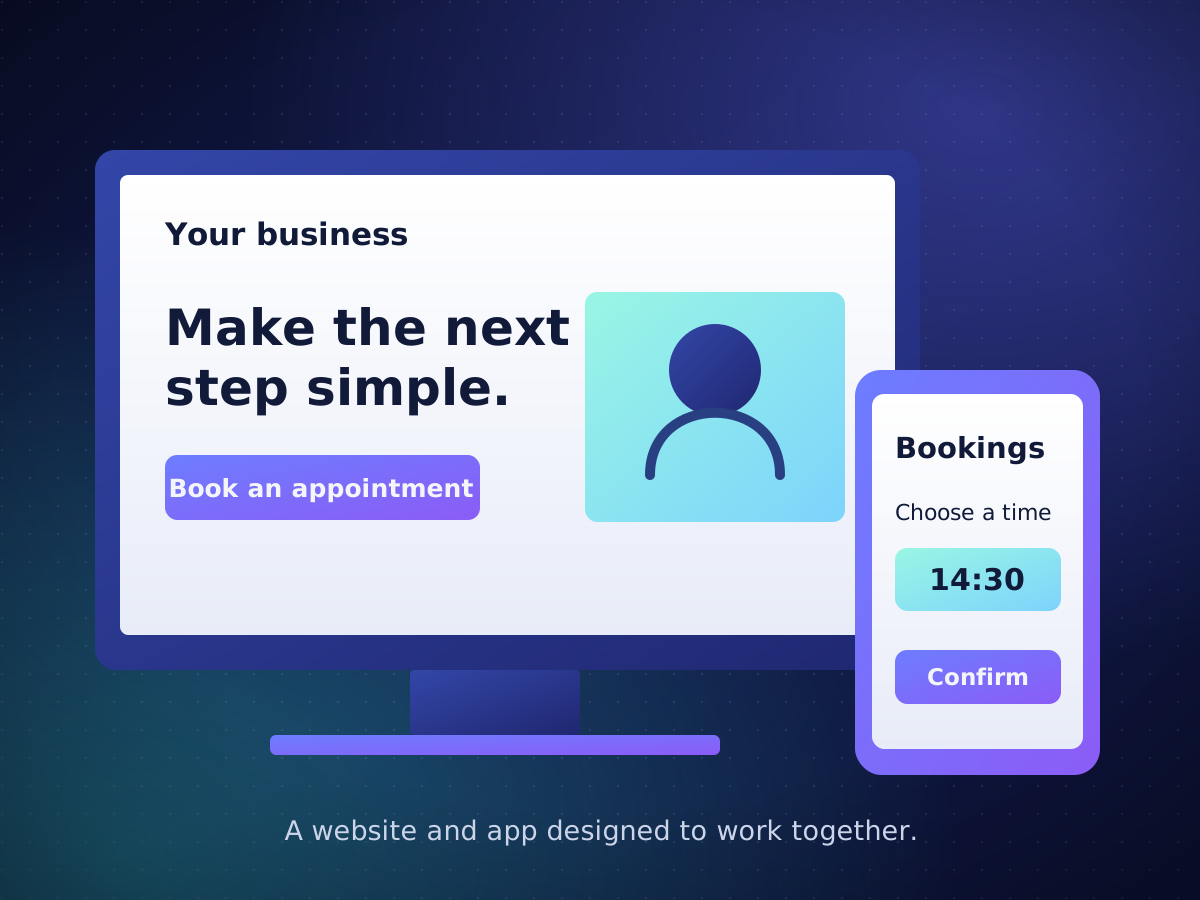
Made around how you already work, and set up so people searching on Google can find you.
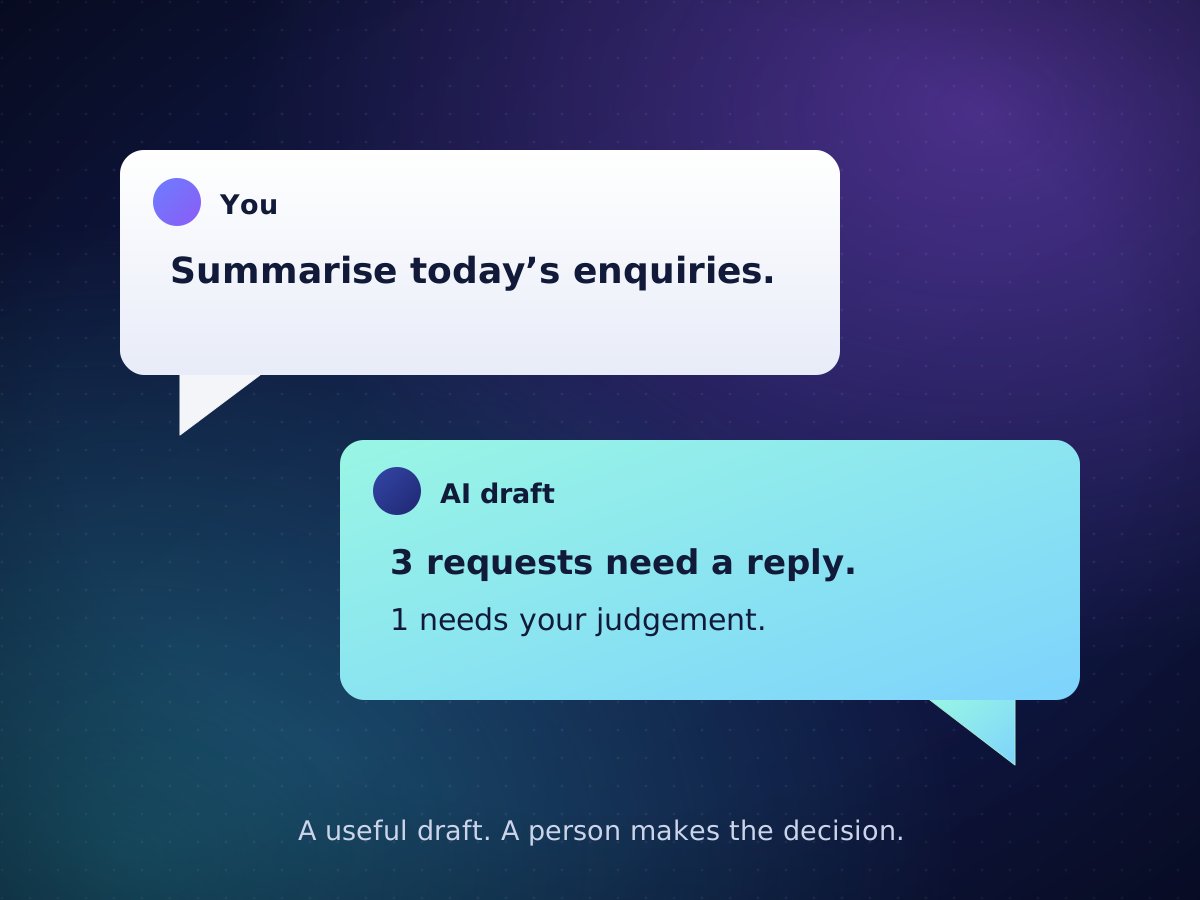
AI reads documents, sorts enquiries and drafts replies. A person checks its work, and when it isn’t sure, it asks.
Keep the software you already pay for.
Linked, so you type details once.
Free ones first, so you don’t pay another monthly fee.
Each tile opens that product’s own website. Product names and logos belong to their owners. They show what we work with, not a partnership or endorsement.
You decide after each step whether to carry on.
Everything we set up keeps a log of what it did and who approved it.
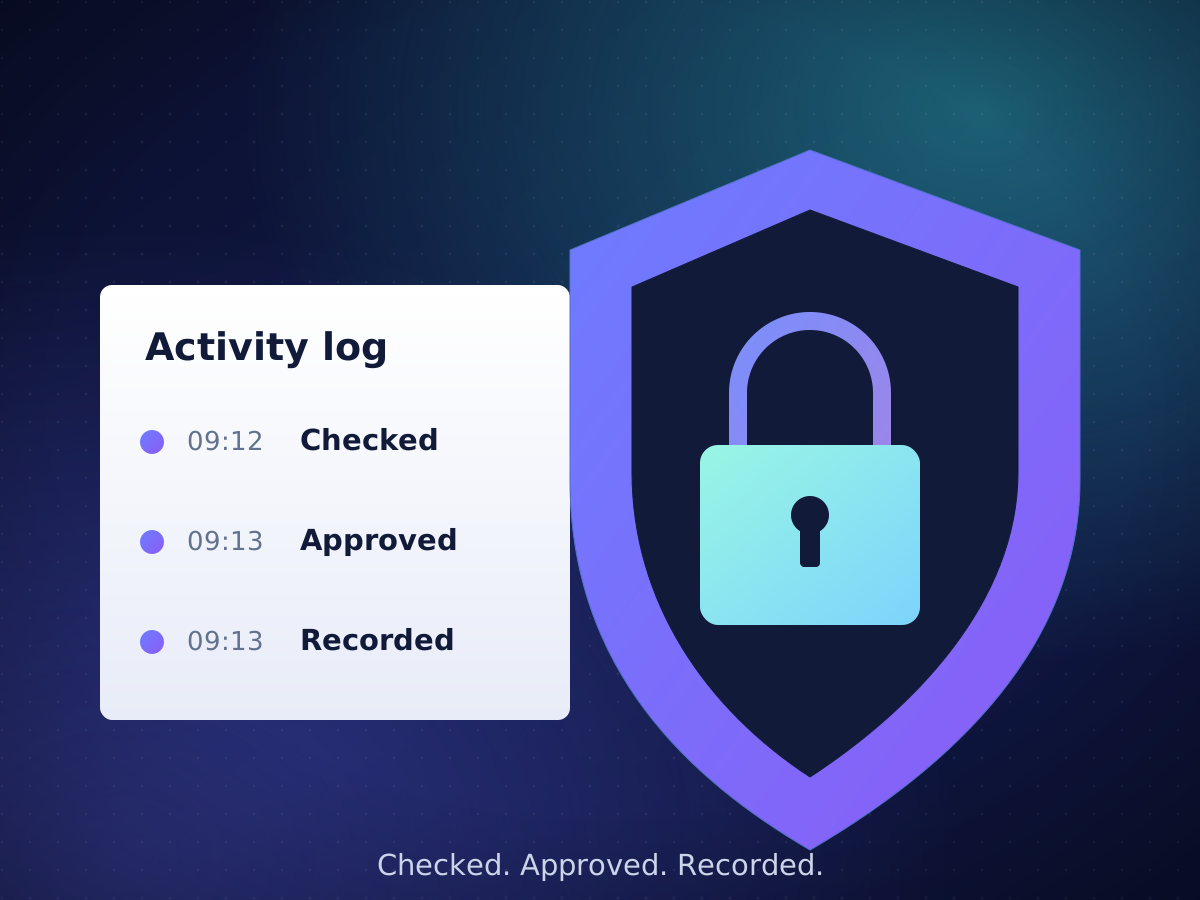
Your data stays yoursStored separately from every other customer’s.
A full historyWho did what, and when.
Backups that workWe test restoring them, regularly.
A person to callYou talk to the people who built it.
The computer doing repeat steps for you. An order email arrives, and its details go into your accounts without anyone retyping them.
Any computer task you do the same way every time: retyping between apps, sorting email, sign-offs, and reports built by hand. Software only, not machines.
Coded with the help of AI, which keeps it quick and affordable. Every part is tested on made-up examples, then checked by a person in a small trial before it touches real work. Anything unusual stops and goes to a person.
No. We link the apps you already use, and build new only where nothing fits.
We agree what “better” means before a trial. If it isn’t better, we say so, and you stop and keep what you have.
It's kept separate from every other customer's, and only people you choose can see it. We name any AI service that touches it before we use it.
The scope and price are agreed in writing before work starts, beginning with a small trial. Tell us the job and we’ll say what we’d do first.
We do: monitoring, updates, tested backups and fixes. You talk to a person, not a queue.
The computer doing repeat steps for you. An order email arrives, and its details go into your accounts without anyone retyping them.
Send opens an email for you to check and send. We’ll tell you honestly if we can help.